South Island Timelapse

Posted by david on Monday Feb 6, 2012 Under Resources, e-learning, pedagogy, time lapse, web2.0

I spent a good deal of the summer holidays in the South Island. It seems from the people that I have spoken to on my return, that it was a good thing that I did! The weather up here in Auckland was less than summery and was very wet. In the South Island we baked, it was great.

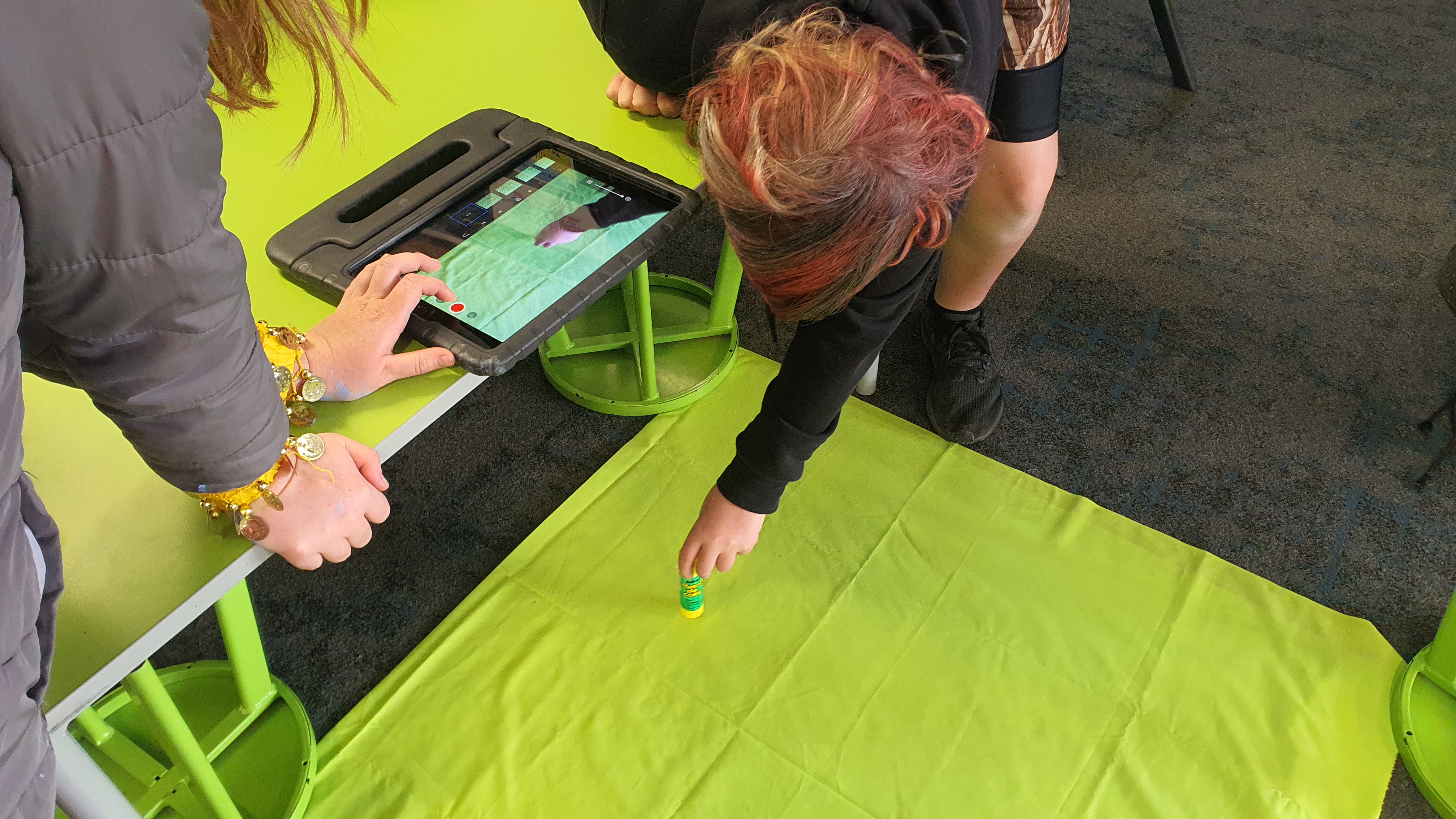
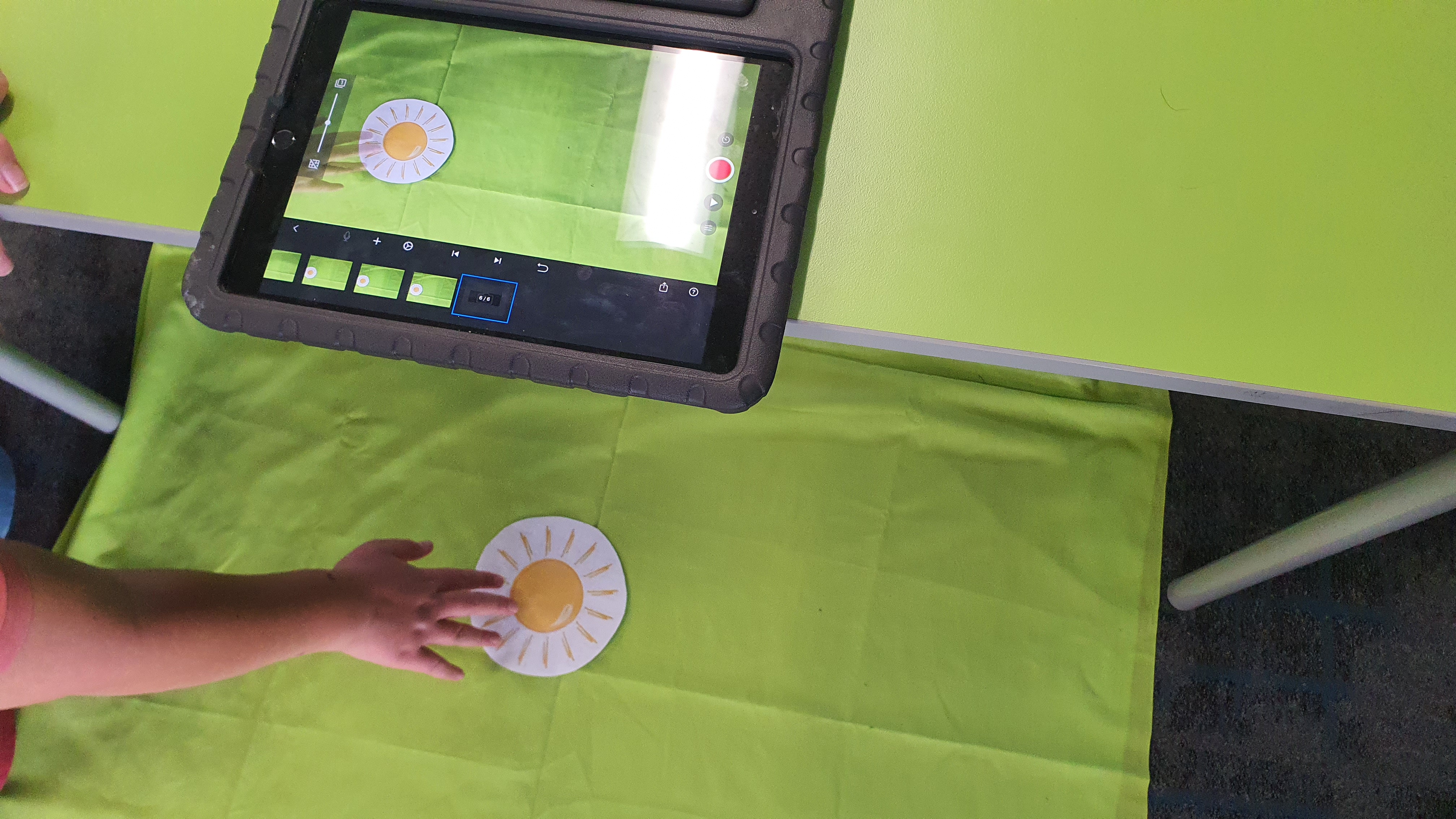
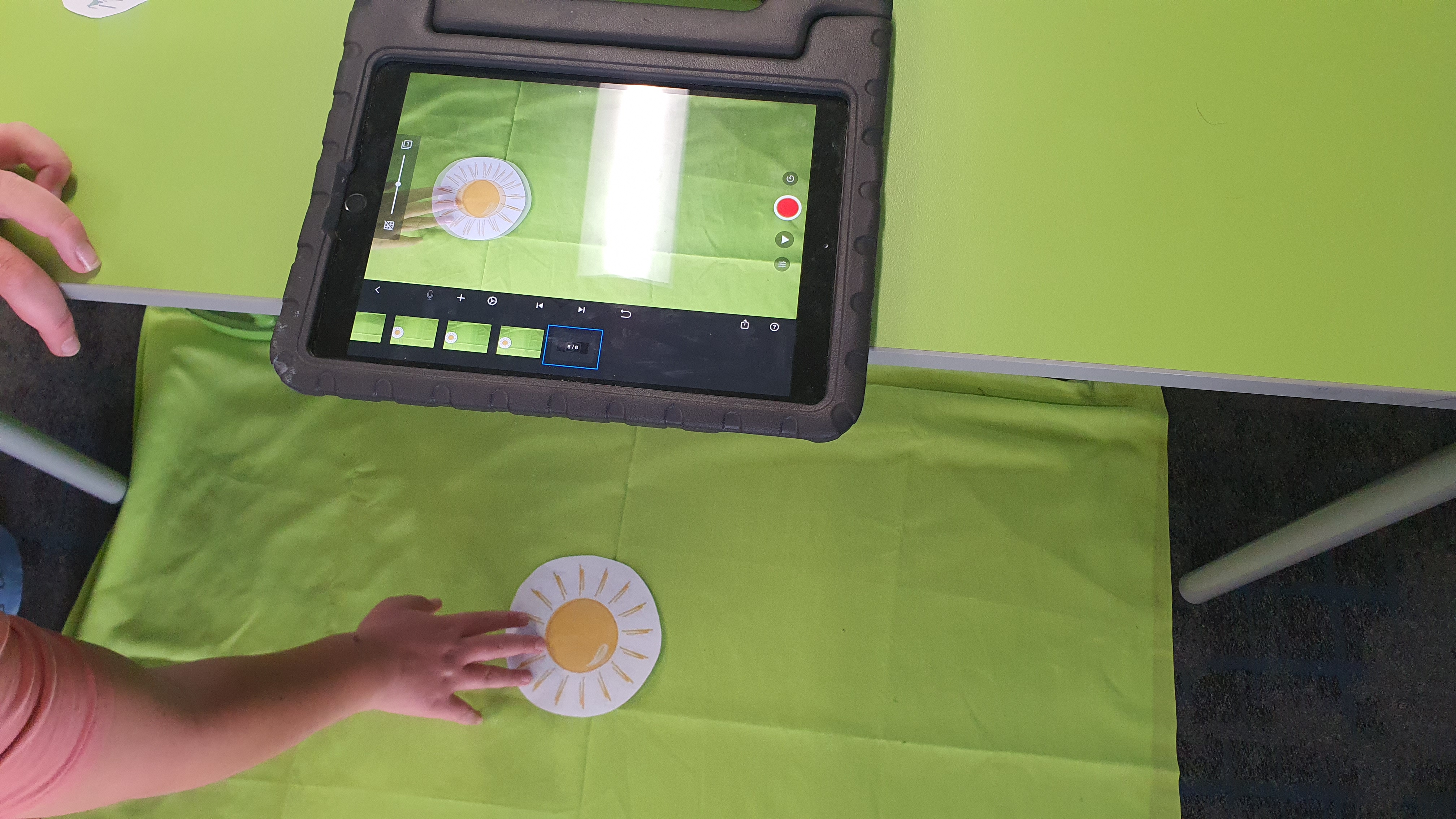
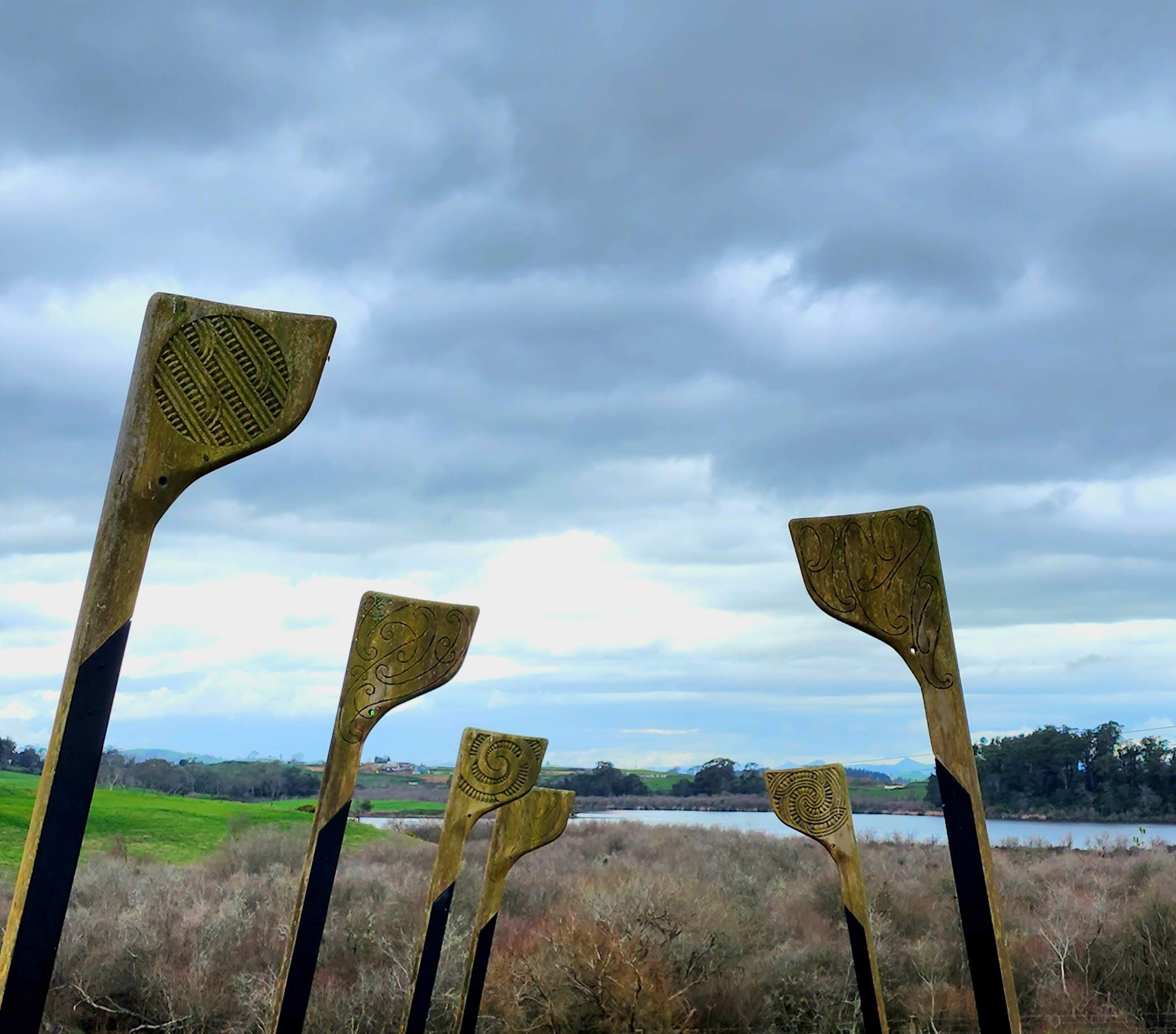
I have created a time lapse video from the trip and you can see it below. Why share a ‘holiday’ video on an education blog? There are free apps for the iPad that enable time lapse projects to happen in class. A web cam and Sam Animation will turn any computer into a time lapse camera. The point being that from recording how the earth rotates to watching flowers bloom, takes time.  Time lapse allows students to see what might be an abstract concept happen because this slow process can be sped up through time lapse.  Sure there are plenty of time lapse videos for them to look at on the Internet, however if they were to create them for themselves, they would have a greater understanding of the time frames involved.  The advent of digital cameras, web cams, free apps and software now make this once technical skill a simple reality in the classroom.

On a different note, each scene in the following video represents an hour of time, where I could do nothing but relax, let the camera do its stuff and marvel at the beauty around me.

South Island Time Lapse from David Kinane on Vimeo.

Tags : , , , , , , , , | add comments

Edudemic Magazine

Posted by david on Saturday Feb 4, 2012 Under Uncategorized

The Edudemic web site has just launched a magazine app for the iPad. As part of the launch they have asked for contributions to the magazine. I approached them to see if they would be interested in receiving an article written by me. After a short e-mail exchange the magazine have asked me to submit an article for their next issue.

Yesterday I wrote my article for them and submitted it. Overnight the editors have accepted the submission and have asked me to contribute to their March issue. You will be able to read the article by purchasing the magazine via their app.

Tags : , , , , | add comments

Is 4mbps the new dial up?

Posted by david on Monday Dec 19, 2011 Under e-learning, internet, web2.0

image sourced from: http://www.networkinghardwares.com/cisco857-k9.html

image sourced from: http://www.networkinghardwares.com/cisco857-k9.html

Over the last couple of years the Internet and the opportunities it offers for learning, have grown exponentially. With this exponential growth has come the parallel expectations of teachers and students for it to deliver content rich resources quickly and effortlessly. Speed as we know with the Internet is king.

The elephant in the room with this rosy view of the new education paradigm’s learning playground, is the infrastructure to deliver this content. It was not very long ago that one connection per school via a 56kbps modem was all that we had to work with, then came ISDN, a quantum leap in speed, then broadband via ADSL and now ADSL2. The trouble is we keep eating more than can be delivered to us quickly enough.

At one school I worked at we literally crashed the Internet, well the Internet connection. We had recently purchased a school wide Mathletics licence for 720 students with 180+ machines in the school and a 512/512 DSL connection to the internet. One Monday morning shortly after this 29 classes all jumped onto their Mathletics account at 9:10 and grid lock and failure quickly ensued. A classic case of expectations out stripping infrastructure capability.

New Zealand has been patiently waiting for its Government funded UFB (UltraFast Broadband) project to be rolled out. Whilst it has been trialled in some regions, the current state of affairs could not be said to be ‘universal.’ Running in tandem with this has been the SNUP (Schools Network Upgrade Project) which is designed to ensure that all schools in New Zealand have the internal capability to handle the blistering speeds promised by the UFB, when it arrives.

And this is the trouble, we know it is coming but it is taking time for both projects to be rolled out and some estimates say that the project is still 5 years away from completion, schools and students can not wait that long for a fast solution to their internet connection issues. Even two years is too long. If the potential that the Internet promises continues to fail, because of slow connection speeds or bandwidth issues, then teachers who are reluctant users of this technology will be turned away from it. Once put off they are doubly hard to win their trust again. Teacher time is precious and we do not want to waste it.

I have argued before on this blog and in Interface Magazine that THE mission critical infrastructure component in all schools is their connection to the Internet. Most schools rely on a single connection to the Internet and many are now toying with cloud base solutions such as Google Apps. If their Internet connection should fail then they will be blind. With my experience of expectations outstripping capability outlined above, I pondered what to do about this. I sat down with my fantastic tech support company and we thrashed out what at the time we thought was an elegant solution, and it was. We introduced the notion of redundancy.

Instead of waiting for the Government’s fast Internet connection, we built our own through redundancy. What we did was purchase an ADSL modem for every telephone line coming into the school. We then allocated specific computers to specific IP ranges to each modem. The overall effect was that we increased the perceived speed of the internet for an individual user by distributing the load over multiple connections. It was and still remains, an elegant and cheap solution to bandwidth whilst we patiently wait for the UFB to arrive. What this solution meant to us was that when we were ‘cabinetised’ and went from DSL to ADSL2 our connection to the internet on each circuit increased overnight to 16mbps.

This solution has now been improved. The tech company I work with have provided this same solution to another school I work in but the solution now has a ‘box’ that sits in the school’s main server rack that not only load balances all the connections for up and down traffic, but real time monitors content and viruses. The effect is that the school now enjoys a 60mbps connection to the internet for a fraction of the cost of a conventional fibre connection and all done through the existing telephone infrastructure of the school.

So is 4mbps the new dial up? I think that it is and we need to find elegant and financially viable ways to ensure that we do not let our students languish in the slow lane of the internet. The solution outlined above has several very happy customers, who are waiting with less anxiety for the UFB to be rolled out in their region at some point in the future. You can vote on whether the 4mbps is the new dial up on my Facebook page.

Tags : , , , , , , | add comments

Summer about to start

Posted by david on Saturday Dec 10, 2011 Under time lapse

As the year winds down I am looking forward to a protracted bout of creativity,starting today! I am out with my camera working on a new time lapse effort. The weather is not great. But being out and about in it is.

20111210-035649.jpg

Tags : | add comments

The Plane organisation in Australia have just posted this.  In the post is a video by our very own Mark Tredwell.  In the video Mark argues again that as educators we are at the confluence of three major global shifts and that it is our duty to prepare students for this paradigm shift.  Mark says that there has never been a better time to be an educator, I agree.  As we go into the summer vacation this video should be something that we should all watch and reflect on.  Then we should consider what changes we need to make to our pedagogies to ensure that our classrooms provide the environment where we create the life long learners that Mark talks about.  Make 2012 the start of your transition.


Tags : , , , , , | 2 comments

Time lapse update

Posted by david on Thursday Dec 8, 2011 Under Resources, e-learning, facilitation, internet, time lapse, web2.0

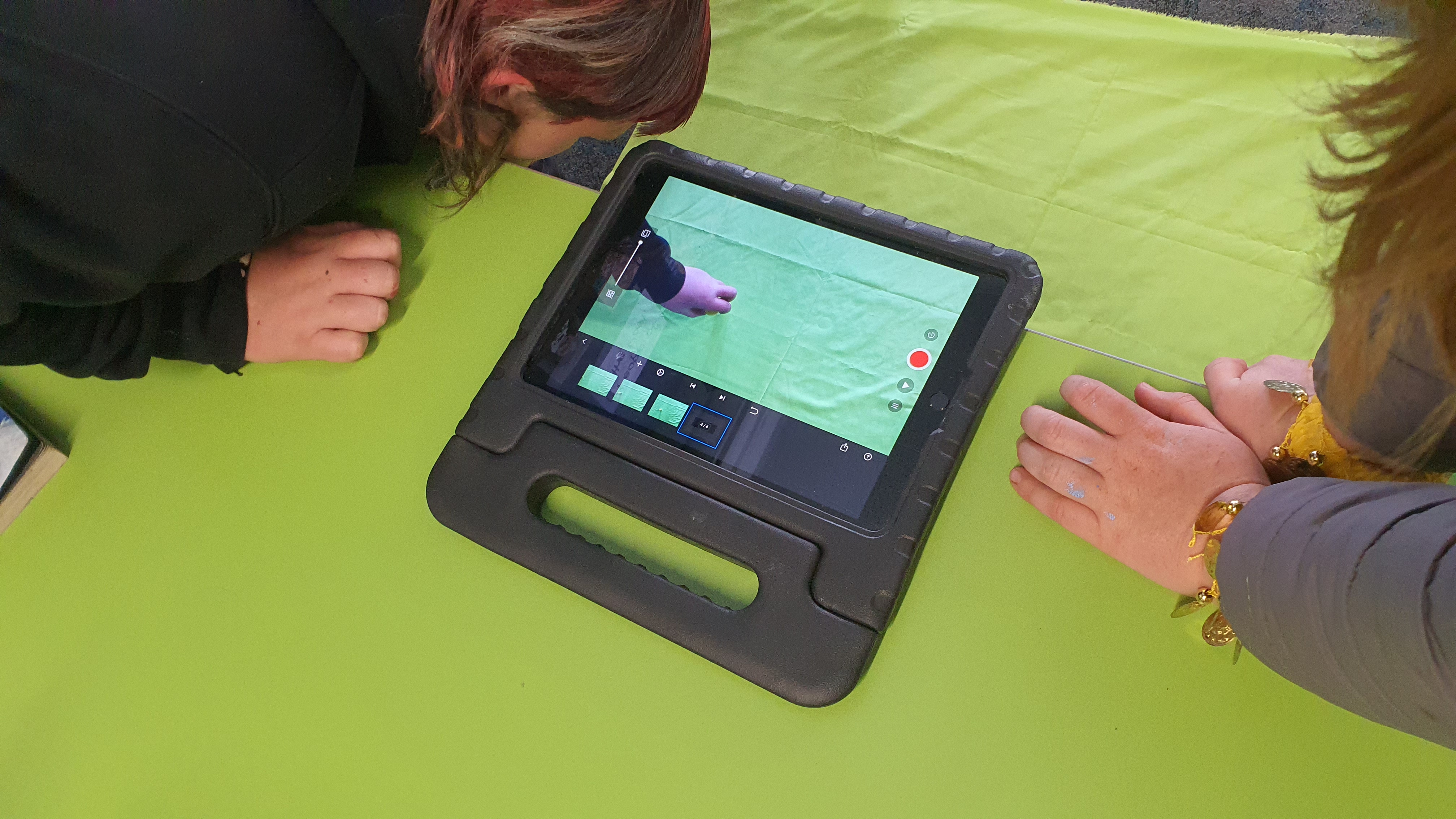
I have spent the day with the students of Upper Harbour Primary. We have been looking at using tools such as the iPad to capture change over time using apps such as those highlighted here.  They will be using their iPad or iPod’s next year to capture this kind of change over time.  The web cams in their computers can also be used to record time lapse videos really easily by downloading and installing the free version of Sam Animation from Tufts University.

The following site has some good examples of time lapse in the wild, to get students thinking about what they could make the focus of their time lapse work.  However, speeding up the world of the slow in the class or the school environment is made easy with the techniques I demonstrated to the students today.  Once I got home  I set up my camera and took the following study of the clouds.

Tags : , , , , , , , , , | add comments

I came across a post on the Upside Down Education blog today that discusses the effect that furniture can have upon elearning pedagogy in a classroom http://upsidedown.edublogs.org/2011/11/06/learning-spaces/ In my Building a 5th Wall in Your Classroom  I suggest how this can be done by simply moving furniture around.  The presentation is below:

I was inspired to make this conclusion having seen the excellent presentation by David Jakes who describes how the layout of furniture in a classroom has a direct impact upon the learning that it can facilitate, it is well worth a look. http://www.slideshare.net/djakes/would-you-want-to-learn-here-3015221

Tags : , , , | add comments

Tales of Things Revisited

Posted by david on Monday Nov 7, 2011 Under Resources, collaboration, e-learning, web2.0

I read a post this morning that reminded me do a project I started last year. Mark Brumley has just posted about Tales of Things http://www.markbrumley.com/2011/11/05/tales-of-things-use-qr-codes-in-education/ Tales of Things is a good site and it helps to create, via a QR code, digital provenance for everyday artifacts.

Last year I started a collaborative animation project that was assigned a QR code from Talesmof Things. Now it is time to market this idea again. The post can be seen here and it would be great to see how we could develop the animation and eve see if we could create a storyboard to start with. All contributions accepted, so please get your students to have a go at this one. The original post is here: http://dakinane.com/blog/2010/10/25/qr-codes-and-collaboration-online/

Tags : , , | add comments

Lifeway College at Kingsway

Posted by david on Saturday Nov 5, 2011 Under e-learning, facilitation, pedagogy, web2.0

Today I was working for Lifeway College again. The venue today was Kingsway College in Orewa. I contintue to be delighted to see so many teachers willing to give up their weekends to make pedagogical shifts in their practice through integrating elearning into their planning.

Tags : , , , | add comments

Time Lapse

Posted by david on Sunday Oct 30, 2011 Under Resources, e-learning, facilitation, web2.0

I have long been a fan of time lapse photography and the addition of the time lapse app to my iPad has now enabled me to take simple time lapse footage. You can see the example taken from my office window below.

More importantly this app can be used in a classroom to enable students to demonstrate change over time, such as the effect that yeast has on dough as it proves or ice cubes melting etc.

However if you wish to see some truly beautiful time lapse photography, you should also look at the You Tube video below.

Time lapse from my office window:

Epic time lapse of Ruapehu and the Milky Way…

Tags : | add comments